
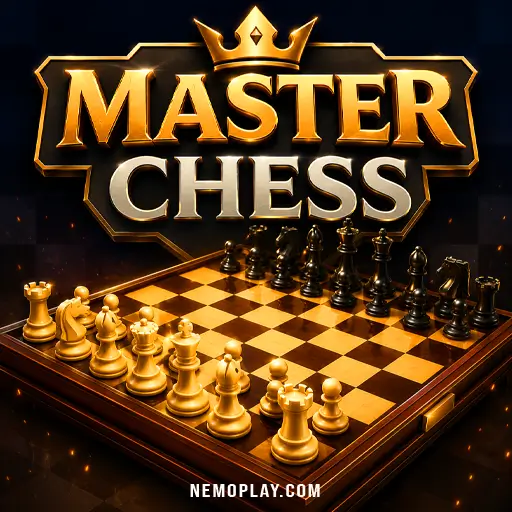
Master Chess
Master Chess








Master Chess
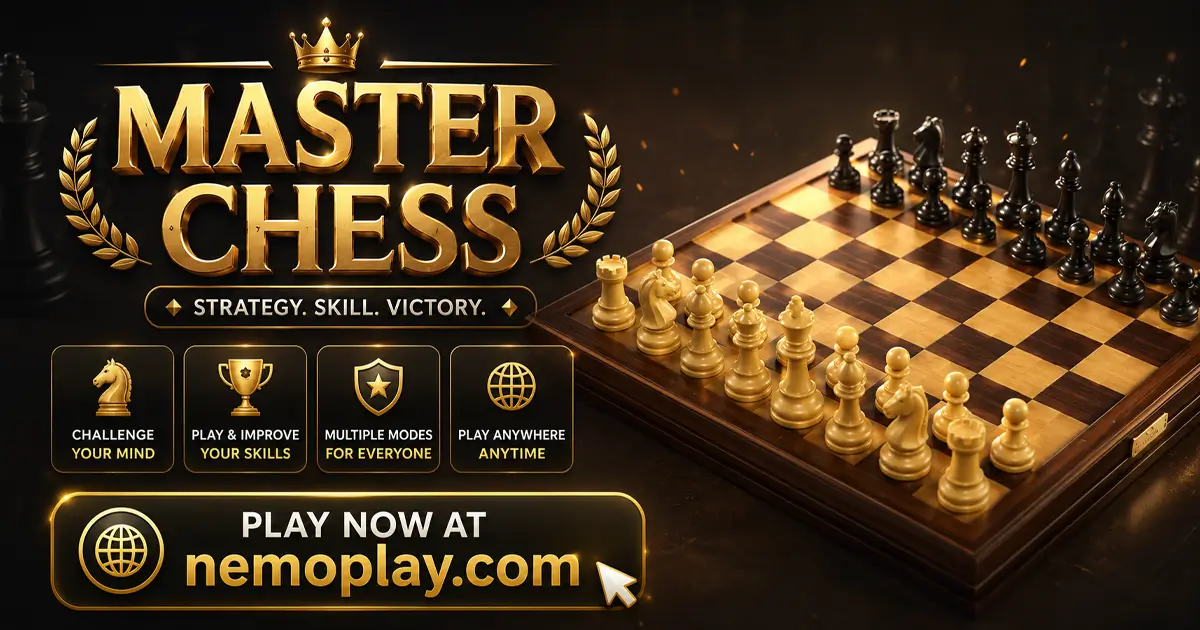
ShareCheckmate your opponent’s king in Master Chess by moving each piece with care and choosing the right tactic on every turn. The match unfolds as a steady test of planning, because each move opens a new reply and can shift the board in your favor or leave a weakness behind. What sets it apart is the choice between three game modes, letting you switch between solo play and direct competition.
Master Chess Quick Facts
| Developer | Codethislab |
| Main Genre | Board Games |
| Sub-Genre | Chess |
| Platform | Web Browser |
| Input Method | Left mouse button; on-screen controls on touch devices |
| Multiplayer Mode | Multiplayer |
| Tech Stack | HTML5 |
| Primary Language | English |
| Installation Required | No (Instant Play) |
Why Players Try Master Chess
Checkmate the opponent’s king, and you take the win. In this browser version, you play on a classic chessboard as the commander of your pieces, choosing whether to face the computer or sit across from a friend on the same machine. The game stands out by letting you pick between easier and harder computer play, so the same board can feel like a learning match or a tougher test.
That matters if you want a chess game that keeps the rules familiar while still giving you a clear goal and a choice of opponent strength.
Master Chess Gameplay & Mechanics
Each turn starts with you choosing one piece and moving it to a legal square on the board. The game then answers with the other side’s move, so every step changes the position and opens a new problem to solve. That back-and-forth matters because a bold move can create an attack, while a careless one can leave your king exposed to danger.
As the board fills with more threats and shields, you keep deciding whether to press forward, defend a weak spot, or set up special chess tactics like castling, en passant, and promotion when the position allows them. Success comes from putting the opposing king into checkmate, where it has no safe escape, and failure comes when your own king gets trapped the same way.
Browser & Device Support for Master Chess
You can play this game directly in your web browser on desktop, laptop, tablet, or mobile.
Master Chess Beginner Walkthrough
Start by opening a new match and looking at the board for a moment before you move anything. Your first choice is who you want to face, so pick the computer if you want a calmer start or a friend if you want a same-screen challenge.
- Choose a match type and begin with the pieces in their starting spots.
- Look for a safe opening move that helps a piece reach a useful square.
- Keep your main goal in mind: try to trap the other king while keeping your own side protected.
- If the position looks risky, pause and choose a safer move instead of rushing.
Master Chess Controls
Piece movement uses taps or left-clicks.
- Tap to move pieces.
- Left mouse button to move pieces.
On mobile and tablet, use the on-screen controls provided by the hosted game.
How to Get Better at Master Chess
Pick options that give you more time to think, then build your moves around safe squares and simple plans. The game rewards careful choices because a rushed piece can create a weakness, while a steady move can prepare the next turn.
- Start against the easiest computer setting so you can spot patterns without feeling rushed. A softer opponent gives you more chances to notice which moves work and which ones leave a piece stuck.
- Choose a no-time-limit match when you want to practice. Extra thinking time helps you check for mistakes before you move, which makes it easier to learn from each position.
- Try to place your pieces on active squares instead of leaving them at the edge of the board. When your pieces are developed, they can help more with attacks and defense, so your position stays stronger.
- Keep your king safe by making castling part of your plan when the position allows it. Protecting the king early reduces the chance of losing to a sudden trap later.
- Look for chances to control the center and keep pressure there. Central squares give your pieces more reach, so one good move can influence several parts of the board at once.
Master Chess Core Features
The game keeps its focus on chess, but it gives you different ways to play and different levels of pressure. Those options change how the board feels, because you can use them to practice, challenge a friend, or take on a stronger computer side.
- Solo play against AI – You can face the computer instead of another person, which lets you play without waiting for an opponent. The AI has easier and harder settings, so the game can give you a simple practice match or a tougher test.
- Same-screen 2 player mode – Two people can play on the same machine, turning the board into a direct head-to-head match. This matters when you want to challenge a friend without setting up a separate online game.
- Three difficulty choices – The solo mode includes easy and hard settings, with a third AI level available in the browser version. That lets you move from basic practice to a more demanding match as your skill improves.
- Classic chess piece set and rules – The board uses standard chess pieces and full chess movement, including tactics like castling, en passant, and promotion when they apply. That keeps each move tied to familiar chess rules, so the challenge comes from position and planning rather than special powers.
Master Chess: Highlights and Limitations
This browser version works best when you want a straight chess match with no detours: the board, the pieces, and the difficulty choices do the work, so the main appeal is in reading positions and making each move count. The easier AI gives newer players a gentler entry point, while the harder setting pushes the same rules into a much stricter test.
Its strongest quality is that it keeps the contest focused on decision-making, but that same focus also limits variety. If you want more than standard chess movement and classic checkmating pressure, the design stays deliberately narrow, and the challenge comes from position play rather than extra systems or spectacle.
- Clear skill ladder: The easy-to-hard AI setup makes the game more welcoming for practice, then turns harsher as the board state becomes more unforgiving.
- Useful same-screen two-player option: Taking turns on one device keeps the match immediate, which suits quick head-to-head games without any setup overhead.
- Classic rule set only: Because it sticks to standard chess movement and tactics, the game depends on your understanding of planning, protection, and timing instead of novelty mechanics.
- Limited variety by design: The fixed chess format means every session asks the same core question—how to win the position—so players looking for broader mode variety may find it austere.
Is Master Chess Right for You?
Master Chess suits you if you like making one careful move, watching the board answer, and then adjusting your plan on the next turn. It works especially well for players who want a quiet solo match against the computer or a same-screen game with a friend, because each decision matters more than speed or spectacle. The mood is calm but demanding, with enough room to think when you want a relaxed practice session.
The main caveat is that it stays close to standard chess, so it won’t add extra systems or wild twists to change the formula. If you want the board to stay familiar and the challenge to come from position and timing, it fits well.
Similar Games to Master Chess
If you like Master Chess for its strategic pace and careful turn-by-turn decision-making, these games offer a similar focus on planning, pattern recognition, and reading the next move.
- Wordmeister — A good pick if you enjoy thinking ahead under pressure, since each move matters and shapes your options.
- Words Of Wonders — This suits players who like methodical problem-solving, where finding the right placement leads to steady progress.
- Google Feud — A smart choice for anyone who enjoys predicting likely answers and making quick decisions based on logic and trends.
- Four Colors — It shares the same turn-based tension, asking you to respond to the board state and choose each move with care.
For more picks in this style, browse our Puzzle Games.
FAQs about Master Chess
Can the game use classic chess moves like castling and promotion?
Yes, it includes standard chess tactics such as castling, en passant, and promotion when the position allows them. That gives you extra ways to protect a king or turn a pawn into a stronger piece.
Can two kids play on the same screen?
Yes, two people can take turns on the same machine. That makes it easy to play a quick face-to-face match without setting up another device.
Is there a tougher computer option for practice?
Yes, the solo play includes different difficulty settings, including a harder challenge. That lets you start with a simpler opponent and then move up when you want stronger defense and sharper attacks.
Our Final Thoughts on Master Chess
Master Chess is a good pick if you like calm, turn-based thinking and want a chess match that asks you to make each move count. The classic board setup keeps the focus on planning, so it suits anyone who enjoys reading the position and choosing a careful next step.
It is worth a click on our site if you want a straightforward chess game you can open and play without extra fuss. Expect a familiar ruleset, steady pressure, and a match that rewards patience more than speed.