
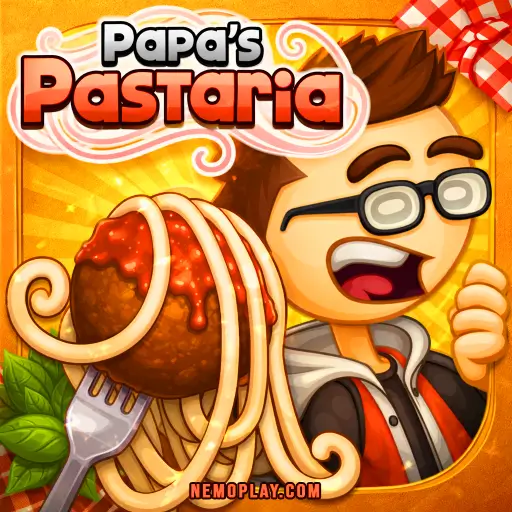
Papas Pastaria
Papas Pastaria
















Papas Pastaria
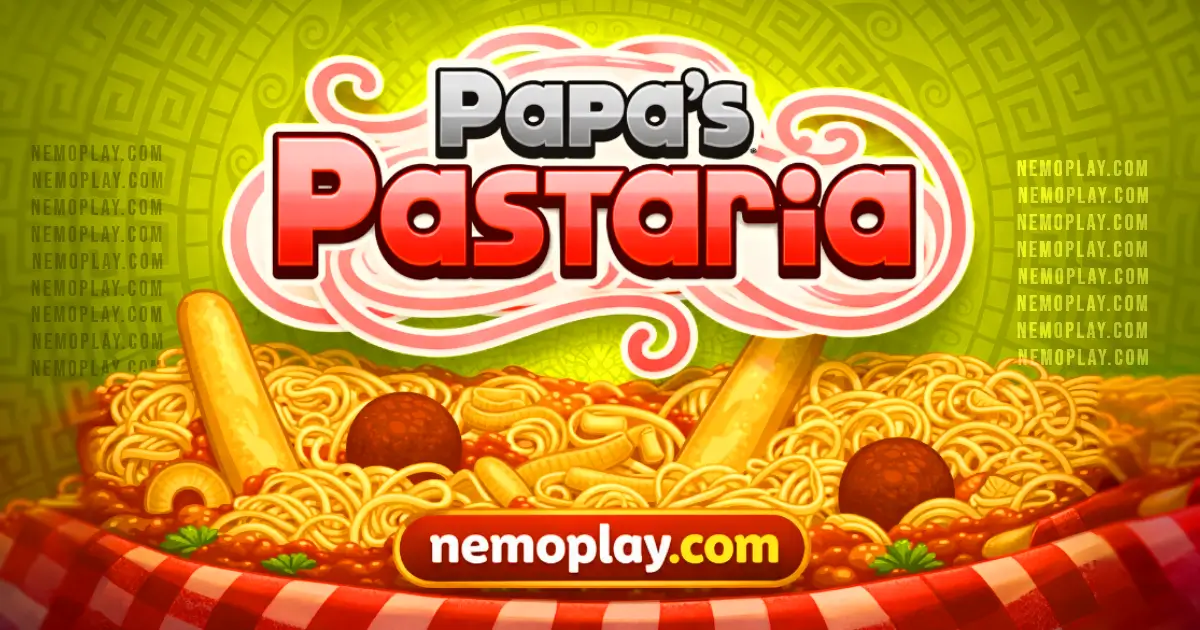
ShareExperience instant fun with Papas Pastaria, a no-download browser game that lets you play online for free! You manage a bustling pasta restaurant, serving dishes to hungry customers. It can be played on Chrome, Safari, and mobile devices. Get ready to whip up some culinary masterpieces and keep the customers coming back for more!
Technical Specifications for Papas Pastaria
| Developer | Flipline Studios |
| Publishing Date | June 2013 |
| Main Genre | Simulation |
| Sub-Genre | Time Management |
| Platform | Web Browser (HTML5) |
| Input Method | Mouse, Keyboard |
| Multiplayer Mode | Single-player |
| Content Rating | Everyone / ESRB E |
| Tech Stack | HTML5, JavaScript, CSS |
| Primary Language | English |
| Installation Required | No (Instant Play) |
Papas Pastaria: The Ultimate Browser Game
Papas Pastaria is a fun and exciting game developed by Flipline Studios. It was released on April 22, 2014. In this game, players take on the role of a pasta chef, creating delicious dishes for customers.
Key features include:
- Manage a bustling pasta restaurant.
- Cook various types of pasta and sauces.
- Customize your restaurant with upgrades.
- Serve customers and earn tips to improve your skills.
- Colourful graphics are included.
This browser game can be played for free with no download required.
Mastering Papas Pastaria: A Complete Guide
Papas Pastaria is all about serving delicious pasta dishes to your customers. Here’s how to play effectively:
- Order Station: Take orders from customers. Pay attention to their requests for specific pasta types, sauces, and toppings.
- Cooking Pasta: Use the pasta pot to boil water. Add the correct pasta when the water is bubbling. Don’t forget to check the cooking time!
- Preparing Sauce: Select the right sauce from the sauce station. Mix it with the cooked pasta to create tasty combinations.
- Toppings: Add toppings like cheese, vegetables, or meat. Make sure they match what the customer ordered.
- Serving: Once everything is ready, serve the dish quickly. Customers love fast service!
- Cleaning Up: Keep your station clean. A tidy workspace helps you work faster and more efficiently.
Focus on speed and accuracy to earn tips and unlock new recipes. Remember, happy customers lead to a successful restaurant!
Papas Pastaria for Chromebook & PC
You can play this game directly in your web browser on desktop, laptop, tablet, or mobile.
Papas Pastaria Tutorial for New Players
Welcome to the world of pasta! Here’s how to get started and make delicious dishes:
- Choose Your Order: Look at the customer’s order ticket. It shows what they want.
- Cook the Pasta: Go to the pot and select the type of pasta. Wait for it to cook until it’s ready.
- Make the Sauce: After cooking, go to the sauce station. Pick a sauce that matches the order.
- Add Toppings: Check the order for toppings. Add them on top of the pasta and sauce.
- Serve It Up: Once everything is ready, place the dish on the counter for your customer.
- Clean Up: If you have time, clean your station to keep it tidy for the next order.
Keep practicing to improve your speed and earn more tips!
How to Control in Papas Pastaria
Mastering the controls is essential for success. Here’s a breakdown of the basic and advanced controls:
- Mouse Controls:
- Click to interact with various stations.
- Drag ingredients to assemble orders.
- Use right-click to cancel actions or deselect items.
- Keyboard Shortcuts:
- Press 1-5 to quickly select different stations.
- Use Esc to pause the game or access the menu.
- Order Management:
- Hover over an order ticket to view details.
- Click on the ticket to start preparing the order.
- Cooking Controls:
- Drag pots and pans to the stove to begin cooking.
- Monitor cooking times with visual cues from the food.
- Serving Controls:
- Click on completed dishes to serve them to customers.
- Use the tray to carry multiple dishes at once for efficiency.
How to Hack Your Way to Victory in Papas Pastaria
Want to dominate in this exciting cooking game? Here are some top tips to help you succeed:
- Master the Basics: Learn how to make each type of pasta and sauce. Practice makes perfect!
- Upgrade Wisely: Focus on upgrading your kitchen tools first. Better equipment speeds up your cooking time.
- Keep Customers Happy: Pay attention to their orders. Serve them exactly what they want to earn more tips.
- Use the Order Station: Check the order station frequently. This helps you stay organized and avoid mistakes.
- Time Management: Keep an eye on the clock. Prioritize orders based on their complexity and cooking time.
- Practice Mini-Games: Participate in mini-games to earn extra tips and unlock bonuses that can help you later.
Top Reasons to Play Papas Pastaria
Papas Pastaria is a fun game that lets you run your own pasta restaurant. Here are some great features that make it exciting:
- Variety of Dishes: Cook different types of pasta and sauces.
- Customization: Personalize your restaurant and dishes to attract more customers.
- Fun Characters: Meet quirky customers with unique orders and preferences.
- Upgrades: Improve your kitchen and tools as you progress.
- Challenges: Complete special tasks to earn rewards and bonuses.
- Time Management: Test your skills by serving customers quickly to keep them happy.
- No Download Needed: Play directly in your browser, making it easy and accessible.
Games Like Papas Pastaria
If you enjoyed Papas Pastariayou’ll love these similar games that offer food-themed challenges:
FAQs about Papas Pastaria
Does Papas Pastaria work on mobile/phone?
No, it does not have a dedicated mobile app. However, you can play it on mobile browsers.
Do I need to download Papas Pastaria?
No, you do not need to download anything. You can play directly in your web browser.
Can I play Papas Pastaria on Chromebook?
Yes, it works perfectly on Chromebooks. Just open your web browser and start playing.
Is there a multiplayer mode in Papas Pastaria?
No, there is no multiplayer mode available. You can only play solo and manage your own restaurant.
Can I save my progress in Papas Pastaria?
Yes, your progress is saved automatically. You can pick up where you left off anytime.
Are there any in-game purchases in Papas Pastaria?
No, there are no in-game purchases. Everything is free to access while playing.
Is Papas Pastaria Good? (Conclusion)
Papas Pastaria combines creativity and strategy. Players get to manage their own pasta restaurant, serving up delicious dishes while keeping customers happy. The colorful graphics and fun animations keep the experience engaging.
The game encourages teamwork and time management skills as players juggle orders and customize meals. Plus, it’s a great way to bond with friends—challenge them to see who can earn the most tips!
Ready to dive into the world of pasta? Try Papas Pastaria online for free today and share the fun with your friends!