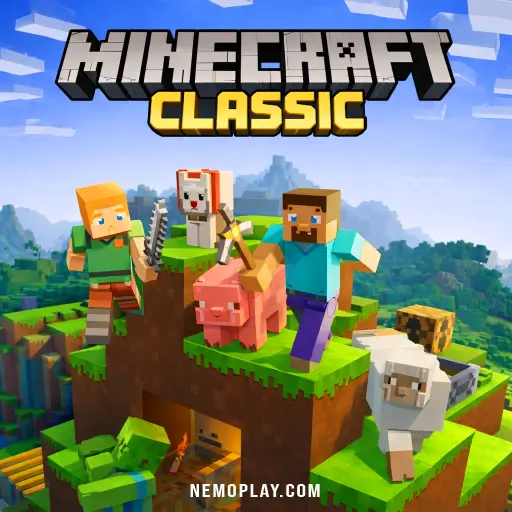

Minecraft Classic

 (1 votes, average: 4.00 out of 5)
 Loading...






Experience instant fun with this no-download browser game that lets you play online for free! Dive into the adventure of Minecraft Classic, where creativity knows no bounds. Enjoy seamless gameplay on Chrome, Safari, and mobile devices. Build, explore, and let your imagination run wild—all without any downloads required. Get ready for endless entertainment!
| Mojang Studios | May 2009 |
| Sandbox | Building |
| Web Browser (HTML5) | Keyboard, Mouse |
| Single-player, Local Multiplayer | Everyone / ESRB E |
| HTML5, JavaScript, WebGL, Canvas | English |
| No (Instant Play) |
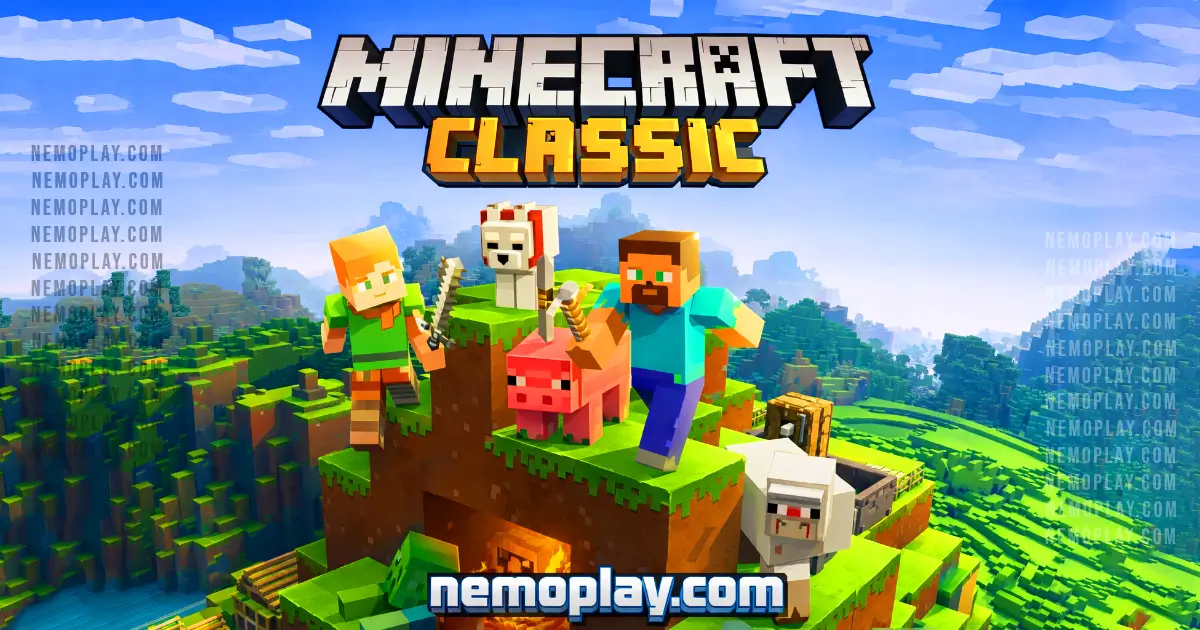
Welcome to a world where your imagination runs wild! Minecraft Classic is not just a game; it’s a digital playground for creativity. You can build anything you want, from towering castles to cozy cottages, all from the comfort of your browser. No downloads, no fuss—just pure fun!
Why is this game worth your time? Here are a few reasons:
This game is perfect for kids who love to create and explore. Whether you’re playing solo or teaming up with friends, the possibilities are limitless. So grab your virtual pickaxe and start crafting your dream world today!
Jumping into this game feels like stepping into a world of endless creativity. You start with a simple inventory of blocks, and the possibilities are vast. The first thing you notice is how easy it is to place and remove blocks. This mechanic is satisfying; it gives you instant feedback. You can build anything from a cozy house to a massive castle in no time.
Exploration is another highlight. The world is open, allowing you to wander freely. Each new area reveals unique landscapes, from grassy plains to towering mountains. The thrill of discovering new spots keeps you engaged. Plus, there are no enemies or survival elements, so you can focus purely on building and exploring.
The controls are straightforward, making it accessible for everyone. You can quickly switch between different blocks and tools. This fluidity enhances the gameplay flow. You’ll find yourself lost in hours of building without even realizing it.
One of the most enjoyable aspects is sharing your creations with friends. You can invite them to join your world, which adds a social element to the experience. Collaborating on projects or just showing off your latest build is incredibly rewarding.
Overall, the game captures the essence of creativity and exploration. It’s a perfect platform for kids to express themselves and develop their imagination while having fun.
You can play this game directly in your web browser on desktop, laptop, tablet, or mobile.
Want to rack up high scores? Follow these simple tips:
Mastering the controls is essential for a smooth experience. Here are the keybinds for easy navigation and building:
These controls will help you navigate and create effectively in your environment.
Unlock hidden potential with these advanced strategies to dominate your gameplay.
Minecraft Classic offers a unique experience that brings back the joy of building and creativity. Here are its best features:
You can enjoy a browser-adapted version of the game without any downloads. This version allows you to build and explore in a simple, blocky world. It’s perfect for casual play at school or anywhere else you have internet access. Supported browsers include Chrome, Firefox, Safari, and Edge. Features include easy access to creative mode, multiplayer options, and a nostalgic experience reminiscent of the original release.
Yes, you can enjoy free online play without any fees or in-app purchases. All games on the site are free, allowing you to dive into the experience without spending a dime. Competitors highlight several benefits of free play, such as accessibility for players of all ages, the ability to explore creativity without financial barriers, and the chance to connect with friends in a shared environment. This makes it an ideal choice for school settings or casual gaming sessions.
Play Minecraft Classic Unblocked on nemoplay.com. Whether you’re at school, at work, or on a break—you can play without any restrictions. This game is built with HTML5, making it compatible with school Chromebooks and other devices. Enjoy the freedom to build and explore without the hassle of downloads or installations.
Benefits of playing unblocked include:
No need to search on GitHub, our version works on all devices at school or work. While some users explore various repositories for different builds, our platform offers a seamless experience without the hassle of downloads or installations. Enjoy the classic gameplay directly in your browser, making it perfect for quick access during breaks or downtime.
Many fans enjoy playing directly in their browser without any downloads. Here’s how:
The Chrome extension for this game offers several benefits. It allows instant play directly from your browser without the need for downloads. You can access the game quickly, making it perfect for school or casual gaming sessions.
Some extensions may even support offline modes, letting you enjoy the game without an internet connection. This feature is ideal for those who want to play anywhere, anytime.
To enhance your gaming experience, check out the Chrome extension for easy access and additional features.
If you enjoy Minecraft Classic, you’ll love these similar games that capture the essence of creativity and exploration:
Yes, it is 100% free to play. No download or registration required.
Yes, you can play it at school if your school allows unblocked games. It runs directly in your web browser.
No, it does not work on mobile or phone devices. It is designed for desktop web browsers only.
No, you do not need to download anything. You can play it instantly in your browser.
Yes, you can play it on a Chromebook. Just open a web browser and visit the game site.
Yes, there is a multiplayer option. You can invite friends to join your game online.
No, you cannot save your progress. Each session starts fresh when you reload the game.
You can build anything you imagine! Use blocks to create structures, landscapes, and more.
Yes, there are some limits compared to the full version. Features like mobs and survival mode are not available.
No, there is no official tutorial. However, you can learn by exploring and experimenting in the game.
No, character customization is not available. You start as a default character with no options to change appearance.
Yes, there is a chat feature for multiplayer games. You can communicate with friends while playing.
Minecraft Classic is a delightful sandbox game that sparks creativity in kids. With its simple mechanics, players can build anything they imagine using blocks. The game encourages exploration and collaboration, making it perfect for friends to play together.
The nostalgic graphics and open-world environment allow young gamers to experiment freely. There are no monsters or time limits, so kids can focus on building and having fun without pressure.
We encourage you to try Minecraft Classic online today! Share the experience with your friends and see what amazing creations you can build together. Dive into this fun world and unleash your imagination!